
People walk past your store every day.
Most don't know what's inside.
Glymp puts your store in front of people nearby who are already looking: your photos, products and deals, plus reviews from your customers. No ads to buy, no agency to hire.
Free to list · Set up in minutes
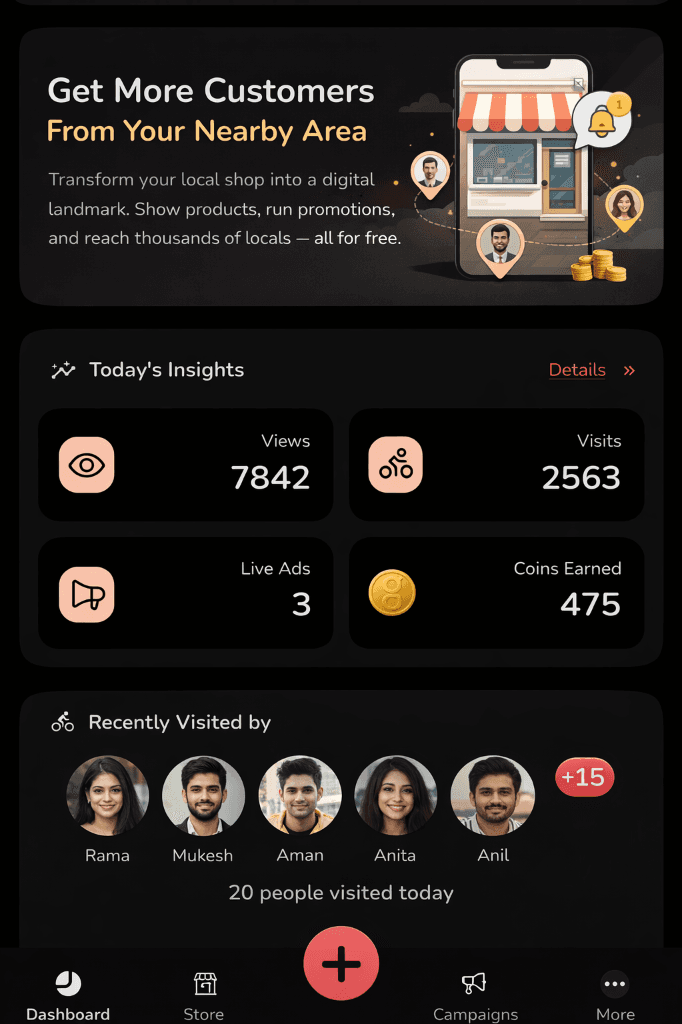
Great products. Loyal customers. Still invisible to most people nearby.
Most local stores are hard to find outside their own street. Glymp fixes that, without ad spend or an agency.
Whoever happens to walk past your door.
Nearby shoppers find you on Glymp before they even step out.
New stock, and nobody outside the street knows.
Post it, and buyers nearby see it within minutes.
A deal running, with no way to tell anyone who'd care.
Push it straight to shoppers who are looking right now.
They made the trip. Then left, sold out.
Mark what's in stock so they know before they leave home.
No idea who visited, or why they left.
See real footfall, saves, and what's actually driving people in.
Your store. On the map.
Free to list. No agency. No ad budget needed.
From invisible to in-demand.
Three simple steps.
Download and set up.
Create your business profile on the Glymp Business app. No paperwork, no technical skills, no fees.
Post your products and deals.
Upload photos, share new arrivals, run flash sales. Your posts reach nearby shoppers immediately.
Watch nearby customers walk in.
Track real store visits, see who engaged, and build a loyal local following, all from your phone.
New · AI tools for businesses
Less manual work.More time running your store.
Not sure where to start?We'll walk you through it.
Account Setup
How to Set Up Your Business on Glymp
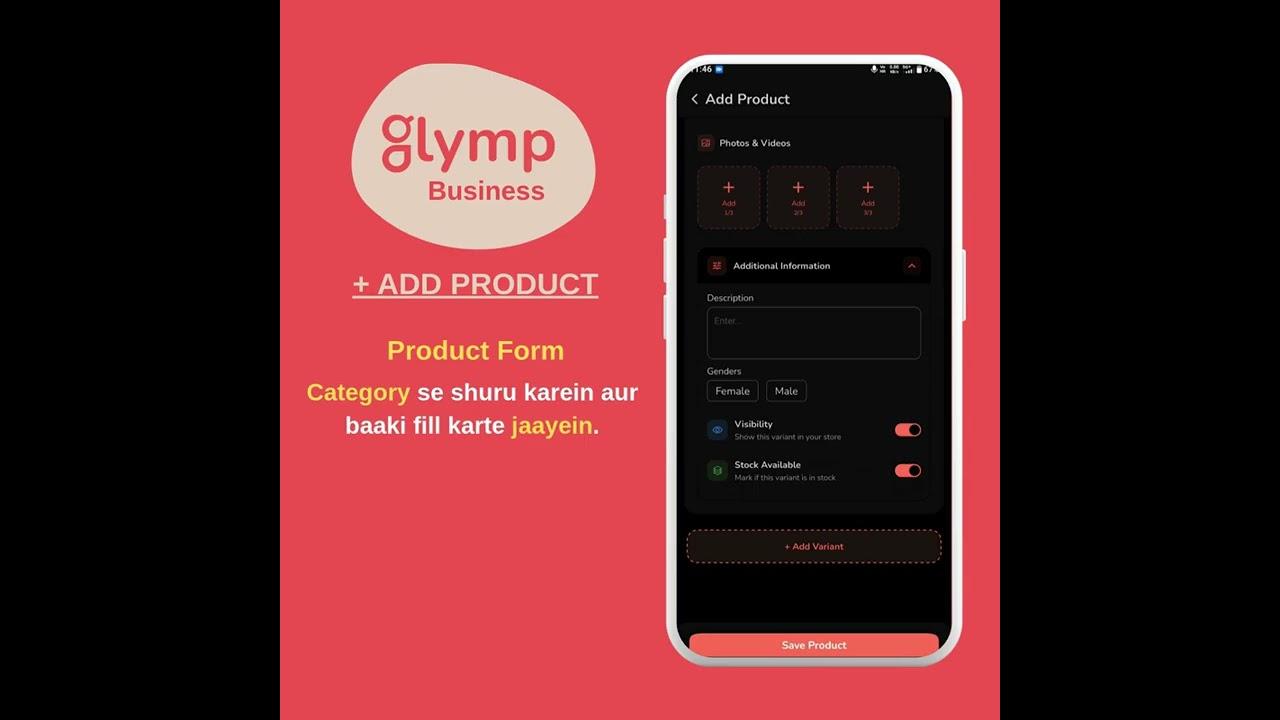
Product Listing
How to Add Products on Glymp
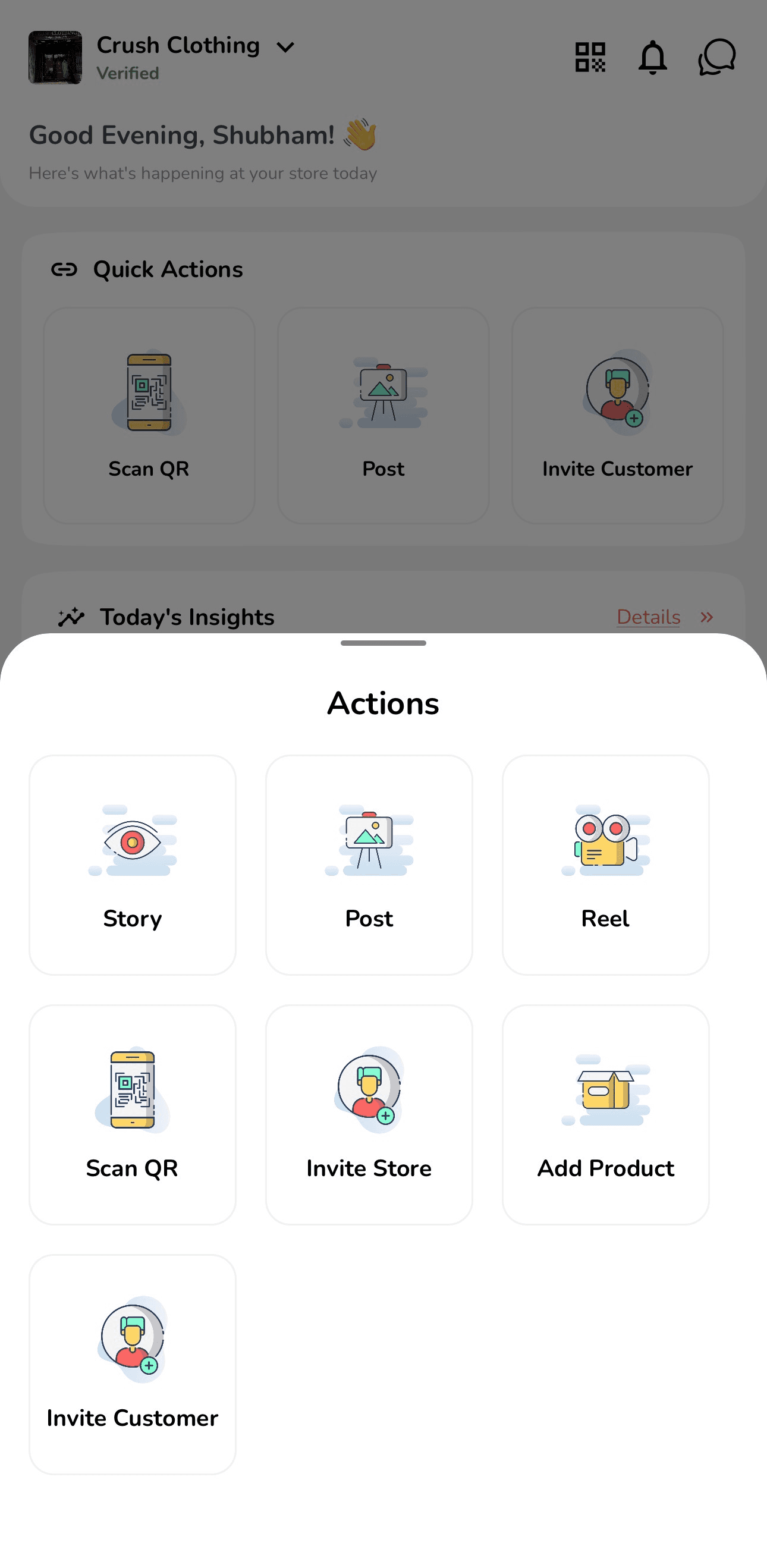
Views today
248
Store visits
152
Live Campaigns
7
Coins earned
1,840
Two things that matter.
More reach. More walk-ins.
Reach
Shoppers who are already near you.
Glymp shows your store to people browsing in your neighbourhood, not across the city.
Convert
Digital views into real footfall.
Your posts and deals bring people through your door, and the app shows you what's working.
Built for the speed of local retail.
No fees.
Listing your store costs nothing: no membership, no commission, no hidden charges.
Set up in minutes.
Create your profile, add your first post and start reaching shoppers nearby.
Your neighbourhood is your audience.
Glymp only shows your store to people within your service radius. Every view is a potential walk-in.
Questions
Listing your business, answered
Is listing a business on Glymp free?
Yes. Listing your business on Glymp is completely free: no listing fees, no commission on sales, and no credit card required. Both the business profile and the Glymp Business app are free.
What types of businesses can list on Glymp?
Any local business, from fashion boutiques, cafés, and restaurants to electronics shops, salons, pharmacies, wellness studios, and home décor stores. Glymp is built for physical local businesses with a neighbourhood presence.
How does Glymp help local businesses get discovered?
Glymp shows your business to people nearby who are looking in your category. Your profile has your products, photos, reviews from customers and your latest posts: everything someone needs to decide to walk in.
How long does it take to set up a Glymp Business profile?
A basic profile takes approximately 10 minutes. Download the Glymp Business app, add your store details, and your business is visible to nearby customers. Adding your full product catalogue takes additional time depending on how many products you have.
Is Glymp available for businesses outside Mumbai?
Glymp is currently focused on Mumbai, India, with a neighbourhood-by-neighbourhood rollout. Expansion to other cities is planned.
Can I add products to my Glymp catalogue without a photoshoot?
Yes. Glymp's AI Product Addition tool lets you upload a single product photo, and the AI extracts the product name, brand, and category, then generates a clean catalog-style image for you. For fashion items, it also generates an on-model image showing fit and styling, with no manual data entry and no photoshoot required. Each run is paid for with Glymp Coins, which you earn for free by being active on Glymp.
How accurate is the AI when adding products automatically?
The AI returns a confidence score alongside the extracted product details. High-confidence extractions can be published as-is, while lower-confidence results are flagged for a quick manual review before going live. Price, inventory, and shipping details are always entered manually.
Your store, seen by the right people,
at the right distance.
Download Glymp Business and list your store. Your next regular customer is probably already nearby.
Serving stores across